Tools / Canvas
Spotify Canvas makerIt loops. No cut.
A Spotify Canvas is a few seconds of video that play again and again behind your track. Drop a clip or your cover: Canvas finds the loop, hides the join, and checks the file before you download it.
The usual Canvas
- The loop jumps
- Wrong size
- Rejected: logo
- Too long
- It has sound
- App watermark
- Head cut off
- Title under the buttons
- Export again
- Rejected: text
- Which format?
- 8 seconds, not 9
- Upload again
- Still jumps
You see the jump every eight seconds. Or Spotify sends it back.
A Canvas made here
- 1080 × 1920VerticalYou place the frame
- 3 to 8 sLengthThe loop is found for you
- No cutThe joinCut, fade or bounce
- No logoNo soundWhat Spotify asks for
One file, checked. It joins cleanly.
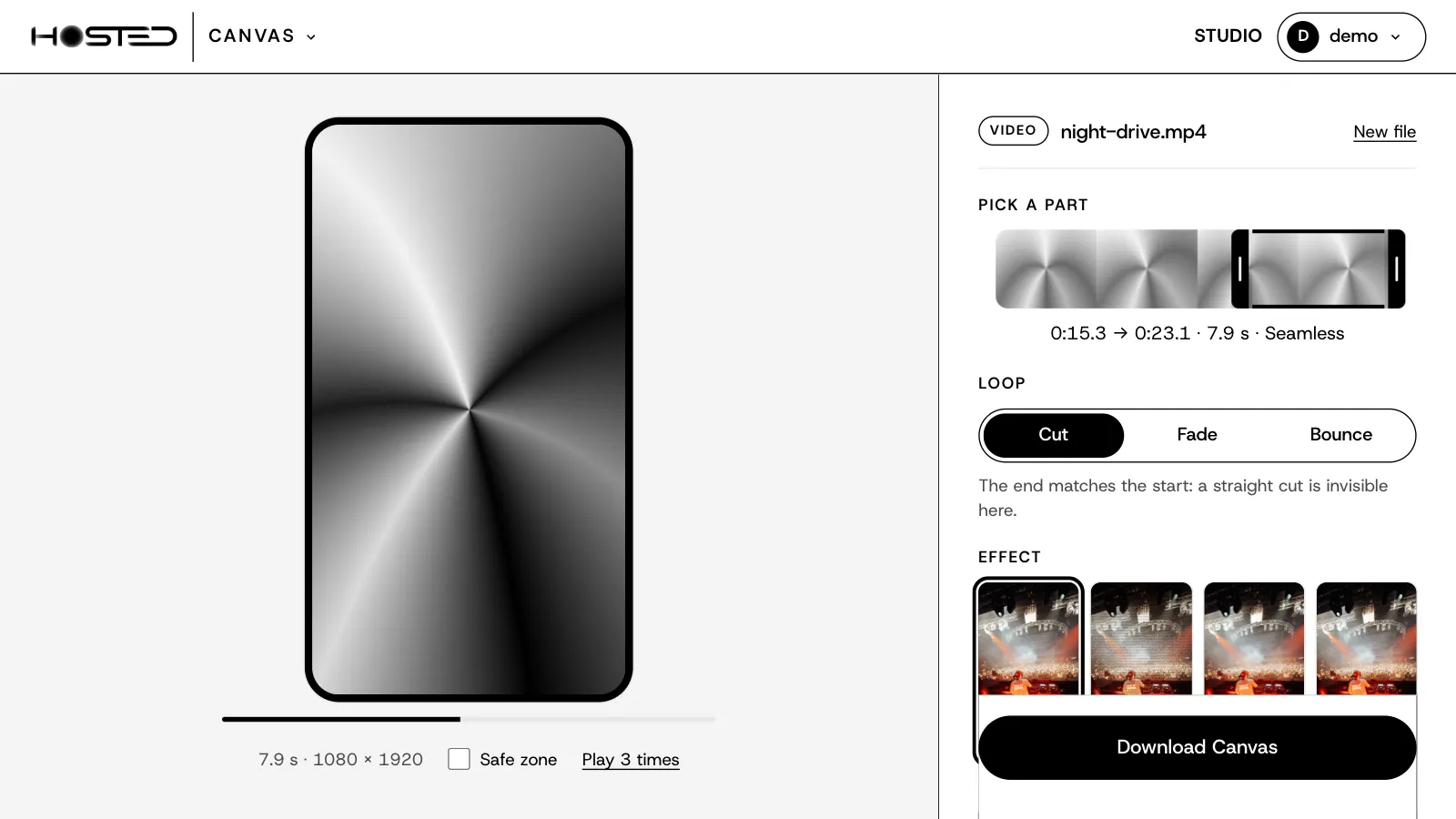
From a clip, the best loop.
- Drop a video: MP4, MOV or WEBM, up to 2 minutes.
- Canvas looks for the parts where the end matches the start, and tells you when a loop is seamless.
- Three ways to join: a straight cut, a fade, or a bounce that plays forward then back.
- Move the part on the strip and watch it loop, live in your browser.
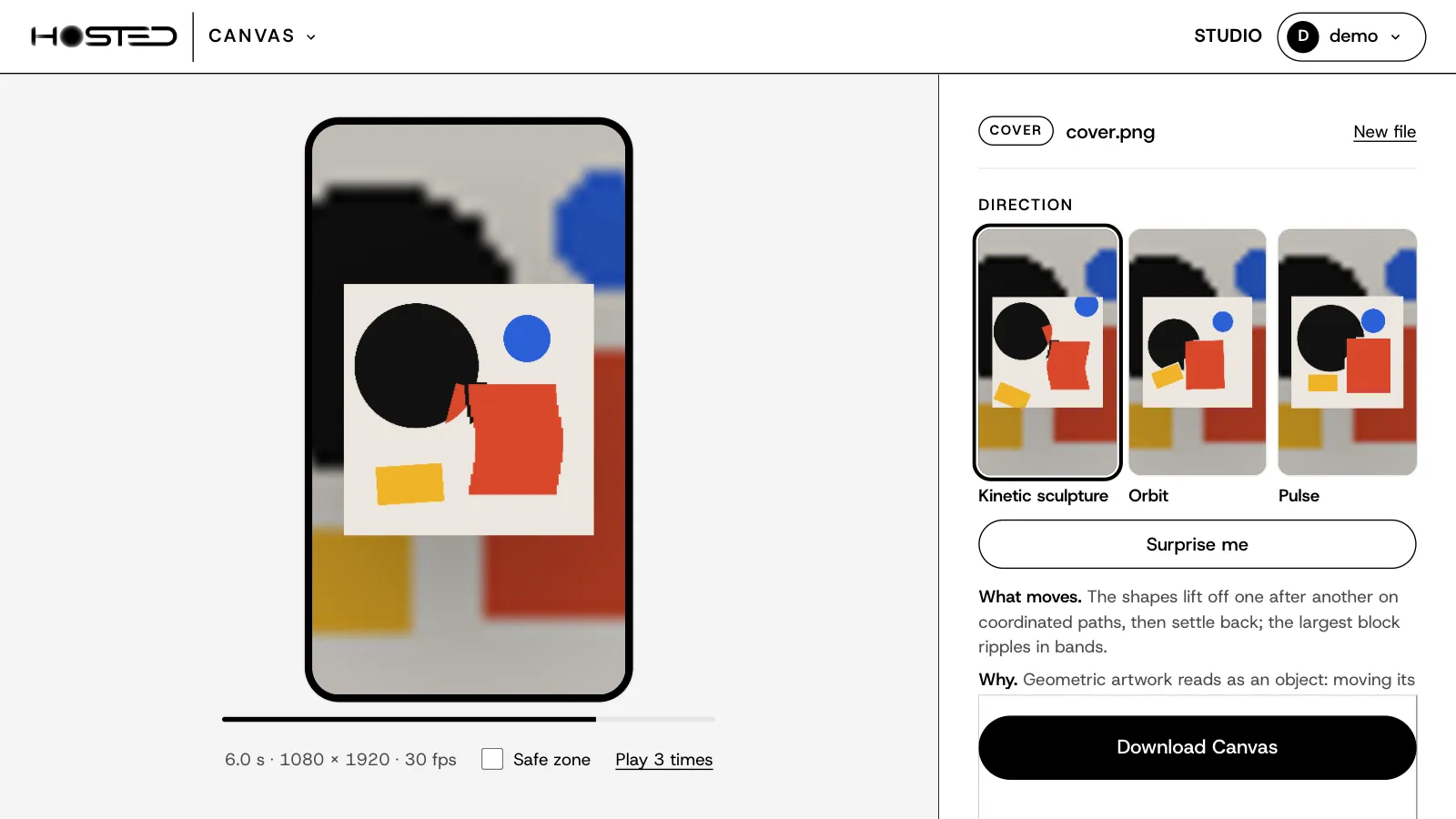
No video? Your cover moves.
- Drop your artwork. Canvas reads its shapes and offers three directions, each with a live preview.
- Every direction says what moves, and why it suits this cover.
- Not convinced? Surprise me tries something else.
- Full frame or framed. A name or a logo on the artwork stays still with Protect.
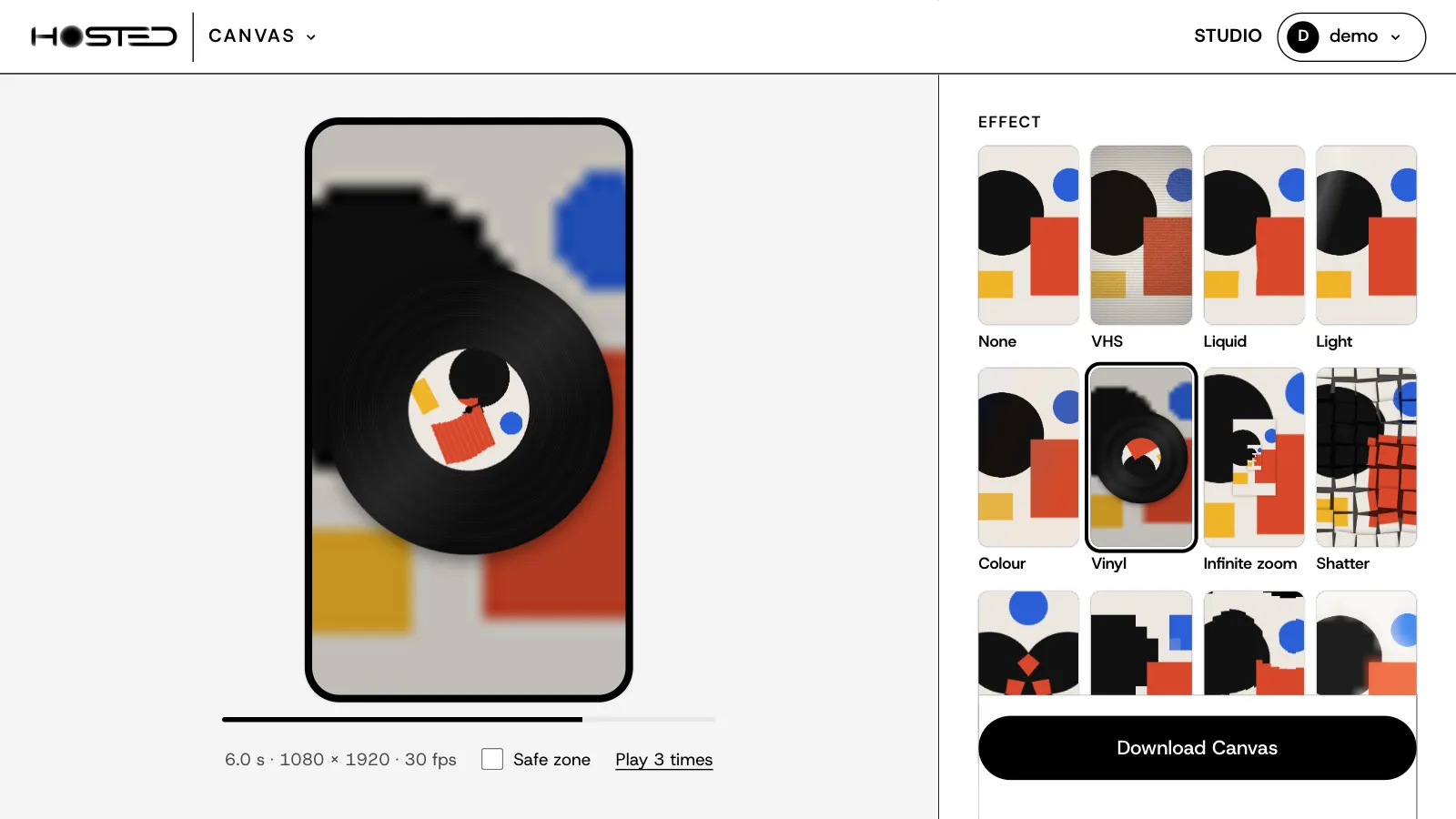
15 effects. Seen before you pick.
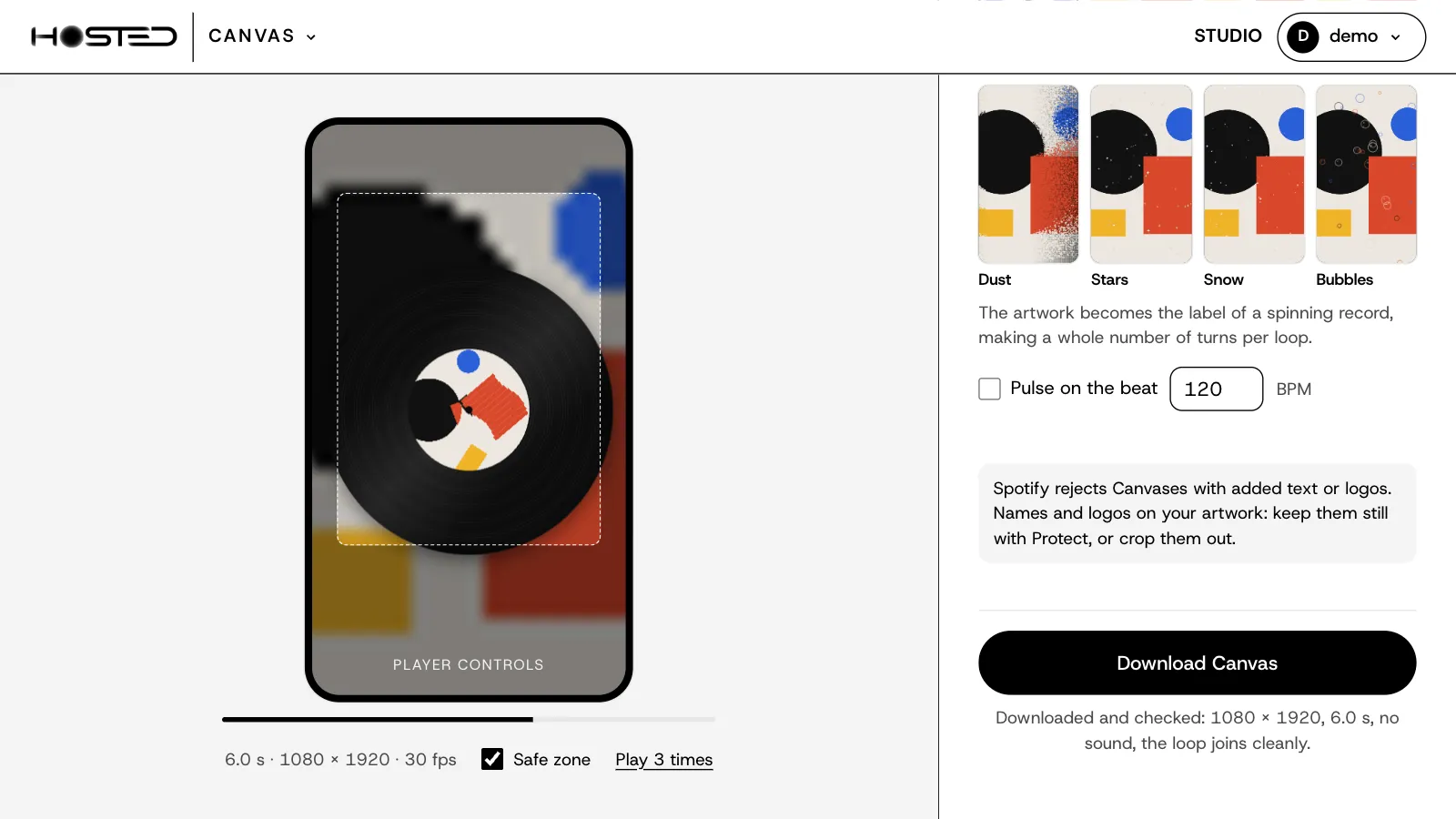
- VHS, Liquid, Light, Vinyl, Infinite zoom, Shatter, Dust, Stars, Snow, Bubbles and more.
- On a cover, each one is shown moving on your own artwork, not on a sample.
- On a clip or on a cover. One click to try, one click to remove.
- Pulse on the beat: type your BPM and the effect moves in time.
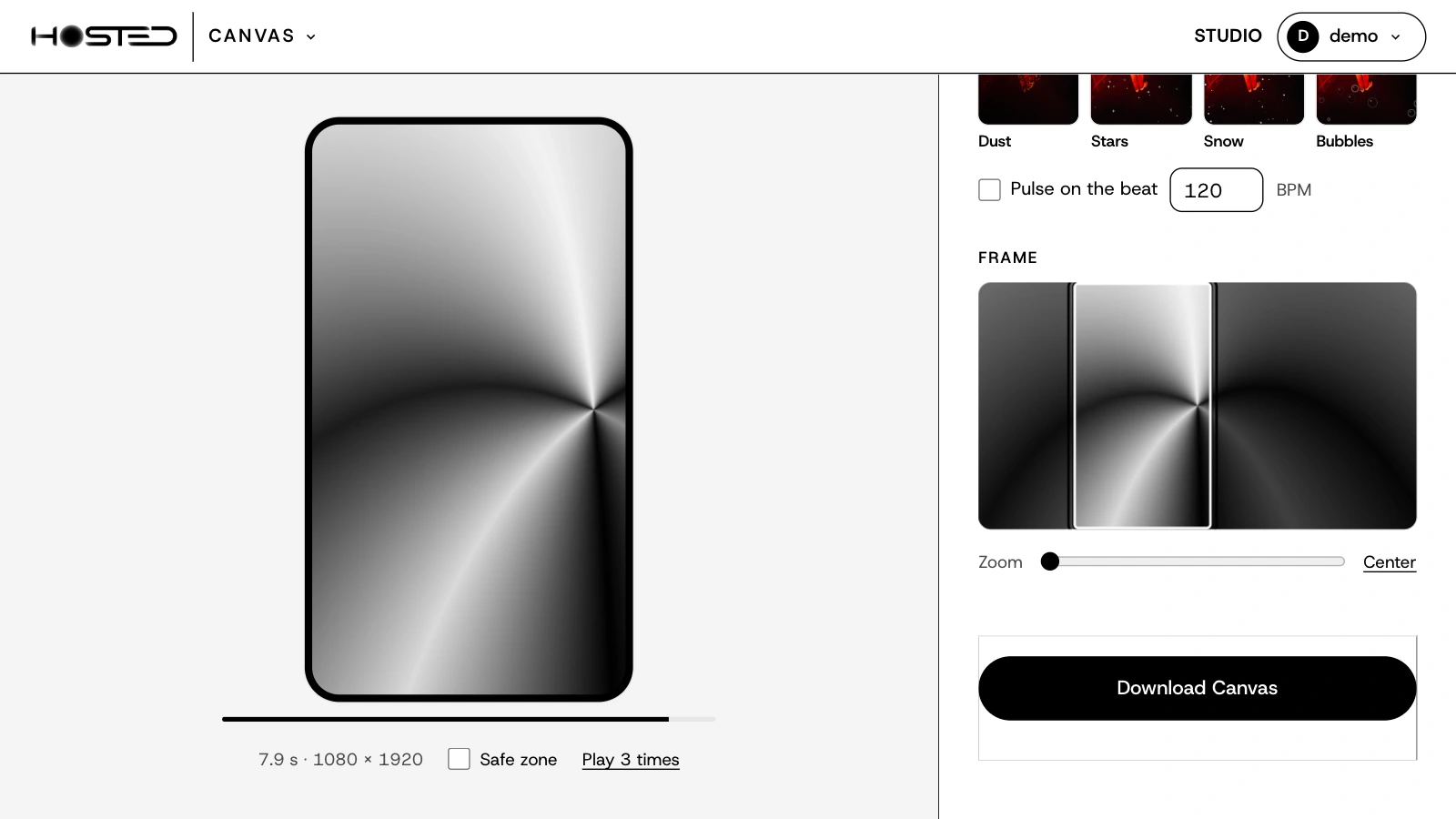
Wide video. Vertical Canvas.
- Your clip is wide, Spotify is vertical. Slide the frame to what matters.
- Zoom in, or center it in one click.
- Safe zone shows where the player buttons sit, so nothing important hides under them.
- Play 3 times: watch the join the way a listener will.
Checked before you upload.
- Download an MP4: 1080 × 1920, 3 to 8 seconds, no sound.
- Canvas checks the file itself: size, length, sound, and that the loop joins cleanly.
- Never a watermark, on any offer. Spotify refuses added logos and text.
- Then add it to your track in Spotify for Artists.
What it costs
One a month, free.
Free
0 €
1 Canvas a month. All 15 effects, clip or cover, full quality, no watermark. You only need a Hosted account.
Open CanvasPage
2.99 € a month
10 Canvases a month. All 15 effects, clip or cover, full quality, no watermark.
Pro
7.99 € a month
No limit. One Canvas for every track of the release, and for the back catalogue.
See the offersA Canvas counts when you download the final file, not while you try things. The count starts again on the 1st of each month. Canvas is not made by Spotify; you add the file yourself in Spotify for Artists.